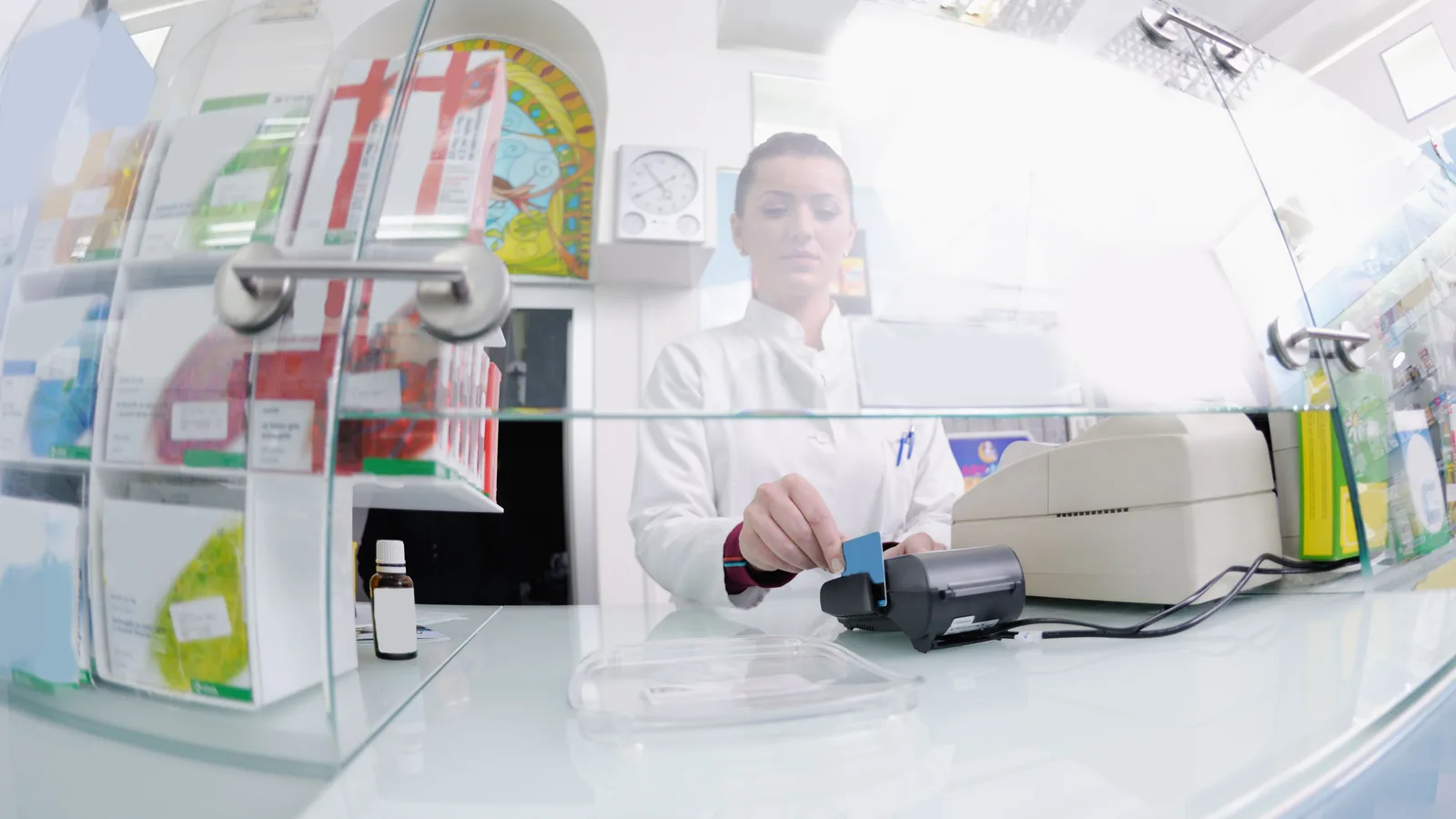
SumUp review: the short version
SumUp is a card payment service built around small sellers: market traders, mobile trades, salons, cafés, pop-ups and one-person businesses that want to take cards without signing a merchant agreement or renting a till. You get a card reader, a free app to run it from your phone or tablet, and a dashboard for sales records, receipts and refunds.
The appeal is speed. You order a reader, verify your identity and business, pair it with your phone and start taking contactless and chip-and-PIN payments. There is no fixed-term contract on the standard pay-as-you-go plan; instead you pay a percentage of each transaction, and that percentage is where the real cost of the service sits.
What SumUp actually gives you
It is easy to think of SumUp as just a card reader, but you are really buying into three things at once: the hardware in your hand, the app that runs it, and the account that moves money to your bank.
The hardware comes in two shapes. There is a small reader that pairs over Bluetooth with your phone or tablet, and there is a standalone terminal with its own screen and its own connection, so it works without a phone nearby. Around that sits the app — taking payments, sending receipts by email or text, issuing refunds, adding tips and reviewing what you took — plus a web dashboard for records, invoicing and payment links.
- Payment types
- Contactless, chip and PIN, plus card-not-present payments such as payment links and invoices
- Hardware
- Phone-paired readers and standalone terminals with their own screen and connection
- Contract
- No fixed-term commitment on the standard pay-as-you-go plan
- Pricing model
- A percentage of each transaction instead of a monthly rental — confirm the current rate for your market
- App
- Free iOS and Android app for taking payments, sending receipts and reviewing sales
- Records
- Sales history, refunds and exportable reports from the dashboard
- Best suited to
- Sole traders, mobile services, market stalls, cafés, salons and pop-up shops
Strengths and weaknesses
What SumUp does well
- Setup is genuinely quick: no underwriting queue, no terminal rental, no engineer visit
- Pay-as-you-go pricing means a quiet month costs you nothing in fixed fees
- The paired reader is small enough to live in a jacket pocket or a till drawer
- Receipts, refunds and sales records sit in the same app you take payments in
- A cheap way to test whether card payments are worth it before committing to a till system
Where it falls short
- The per-transaction rate is the entire cost model, and it bites once volumes grow
- You are tied to one provider for hardware, software and payouts
- Back-office tools are basic next to a proper EPOS — stock, staff and multi-site reporting are limited
- A paired reader depends on your phone's battery and signal, which is a real risk on a busy day
- Card-not-present payments and disputes need more care than a simple counter sale
Read those two lists together and the shape of the product becomes clear. SumUp trades depth for speed. Everything that would slow down a sole trader getting started has been stripped out, and some of what has been stripped out is exactly what a growing shop eventually wants back.
How SumUp scores on the criteria that matter
- Cost for occasional sellers
- 4.5/5
No monthly fee and a reader you buy once. If you take a handful of card payments a week, the maths works comfortably.
- Cost at high volume
- 2.5/5
Every transaction carries the same percentage, so a busy shop pays noticeably more than it would on a negotiated merchant rate.
- Ease of setup
- 4.5/5
Account, reader, app, first payment. The whole thing is designed to be finished in an afternoon without help.
- Hardware choice
- 4.0/5
Paired and standalone options cover both counter and mobile selling, though the range is deliberately narrow.
- App and reporting
- 3.5/5
Fine for takings, refunds and receipts. Thin if you want stock control, staff permissions or detailed product reporting.
- Support and resilience
- 3.0/5
One provider means one point of failure. Keep your own records and know what happens if a payout is queried.
How the pricing really works
The headline is simple: buy a reader, pay a percentage of each transaction. What matters is the effective rate across a month, and that is not the same question for everyone.
Because there is no monthly fee, SumUp is cheap if you take a few hundred pounds a month in cards and expensive if you take tens of thousands. A traditional merchant account typically charges a monthly fee plus a lower percentage; the crossover point is where your card takings are large enough that the lower rate saves more than the fixed fee costs. Below that point SumUp wins, above it the gap closes and then reverses.
Three things to check before you assume the rate is the whole story: whether the fee is returned when you refund a customer, what a card-not-present payment costs compared with a face-to-face one, and what happens financially if a customer disputes a transaction.
Which SumUp setup suits you
| What to compare | Phone-paired reader | Standalone terminal | Till or POS setup |
|---|---|---|---|
| How it works | Reader pairs over Bluetooth with the free app on your phone or tablet | Self-contained terminal with its own screen and its own connection | Reader or terminal working alongside tablet-based till software |
| Best for | Markets, mobile trades, appointments and occasional sales | Fixed counters where staff take payments all day | Shops and cafés that need itemised sales and daily totals |
| What you notice in use | Everything depends on your phone's battery and signal | One device to charge and one device to carry | More setup, but far more control over reporting |
| Main trade-off | Lowest cost of entry, least self-contained | Costs more up front than a paired reader | Closest to a traditional EPOS, furthest from plug-and-play |
Setting up, step by step
-
01 /
Create your SumUp account
Sign up with your business details and the bank account you want payouts paid into. Sole traders can usually start with personal identification; limited companies need company details.
-
02 /
Verify your identity and business
Upload the documents requested. Verification is what unlocks payouts, so do it before your first busy trading day rather than in the middle of it.
-
03 /
Choose your reader
Pick a paired reader if you sell on the move, or a standalone terminal if the payment point is a fixed counter.
-
04 /
Install the app and sign in
Download the app, sign in and set your tax and receipt preferences so the very first sale is recorded correctly.
-
05 /
Pair the reader
Turn on Bluetooth, pair the reader in the app and take a small real payment to prove the whole chain works before you rely on it.
-
06 /
Check payouts and receipts
Confirm where and when the money lands, and send yourself a receipt so you know exactly what your customers see.
What day-to-day use looks like
For a market stall or a mobile trade, the routine is: open the app, pair the reader, tap or insert the card, add a tip if you use them, and send a receipt. The whole interaction is a few seconds and the customer never sees anything more complicated than a normal card machine.
At the end of the day you get a total for the session, a list of transactions and the option to export the lot for your bookkeeping. Refunds are handled from the same list, which is the part most sellers underrate: finding a transaction from three weeks ago and reversing it takes seconds rather than a phone call.
The weak point is resilience. A paired reader is only as reliable as the phone driving it, so a flat battery at 4pm on a Saturday is a genuine business problem. Anyone selling regularly should carry a charging bank and a fallback way to take money.
Who should buy it, and who shouldn't
Buy it if you are a sole trader who has been turning away card customers, a mobile trade taking payment on doorsteps, a market or event seller, a salon chair renter, or a small café that wants a second payment point without rewiring the counter.
Think carefully if your card takings are large enough that a percentage rate is a meaningful line in your accounts, or if you sell mostly by phone and invoice. The face-to-face experience is where SumUp is strongest.
Skip it if you need one system that handles stock, staff permissions, multi-site reporting and supplier orders. That is an EPOS job, and SumUp's till offering is the shallow end of that pool rather than a replacement for a dedicated system.
Before you buy: practical advice
- Start with the cheapest reader that fits how you sell. You can add a standalone terminal later, and a paired reader is a low-risk first purchase.
- Check the current transaction rate for your market and payment type at the point of signing up, not from a comparison article — rates change.
- Read the payout schedule and find out what triggers a hold on your money before you depend on next-day cash flow.
- Keep a second way to take payment. Cash, a bank transfer or a spare reader is cheap insurance on a busy day.
- Do not buy till software until your volumes justify it; the reporting you actually need at the start is a daily total and a receipt.
- If a promotional hardware deal is on offer, read the terms attached to it, because the contract position can differ from the standard pay-as-you-go plan.
SumUp review: frequently asked questions
Do I have to sign a contract with SumUp?
Not on the standard pay-as-you-go plan, which is what most sole traders use. Terms can differ on promotional, bundled or financed hardware deals, so read the paperwork for the specific plan you choose.
Can I take card payments without a smartphone?
Yes. The standalone terminal has its own screen and connection, so it does not need a phone beside it. The smaller paired reader does need the app running on a phone or tablet.
Does SumUp work for online or over-the-phone payments?
It handles card-not-present payments through links and invoices raised in the dashboard. Those usually sit at a different rate from face-to-face transactions, so check both figures before you assume one price covers everything.
What happens if a customer disputes a payment?
The transaction can be reversed while the dispute is looked into. Keep receipts, delivery records and customer contact details so you can respond quickly, and read the current dispute terms before it happens rather than after.
Is SumUp suitable for a shop with several tills?
It can run several readers, but if you need stock control, staff permissions and multi-site reporting from one place, a dedicated EPOS is the better fit. SumUp is strongest at the single payment point.